

2025 / Product (UX/UI) Design & Research, Prototyping, User flows, Feature Scoping, User Interview & Testing
About the Study
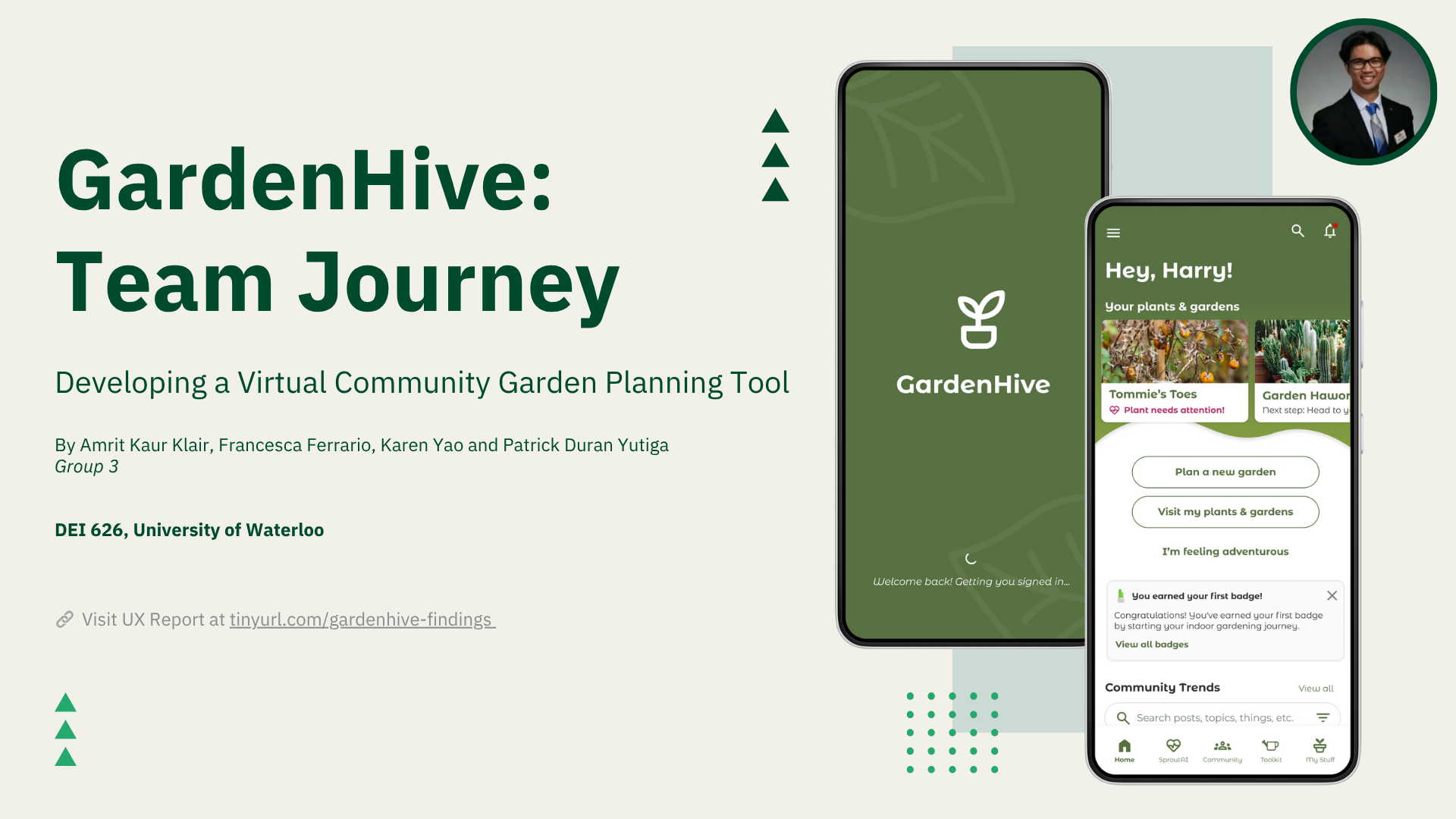
GardenHive is a concept app designed to support individuals and community groups in planning, maintaining, and collaborating on sustainable gardening projects. The idea stemmed from a common problem: gardening resources are fragmented, and there’s no single, intuitive digital space where people can share knowledge and manage their gardens together.
Our team set out to build a platform that brings together plant care tools, garden planning features, and community support—all in one place. Our key question was:
How might we create an intuitive and collaborative digital platform that empowers individuals and communities to efficiently plan, maintain, and share knowledge about sustainable community gardening?
The project ran for four months as part of a graduate-level design course, with the goal of designing a high-fidelity prototype grounded in real user needs and market opportunity.
This is an academic project for the Master of Digital Experience Innovation (MDEI) program at the University of Waterloo Stratford School of Interaction Design and Business, owned and designed by a team of graduate students.
Behind-the-scenes
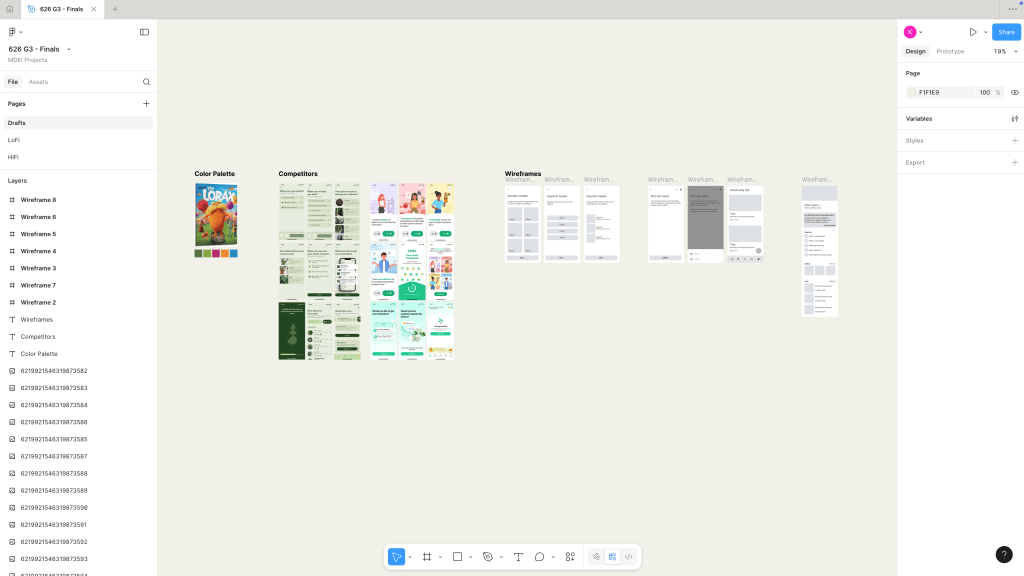
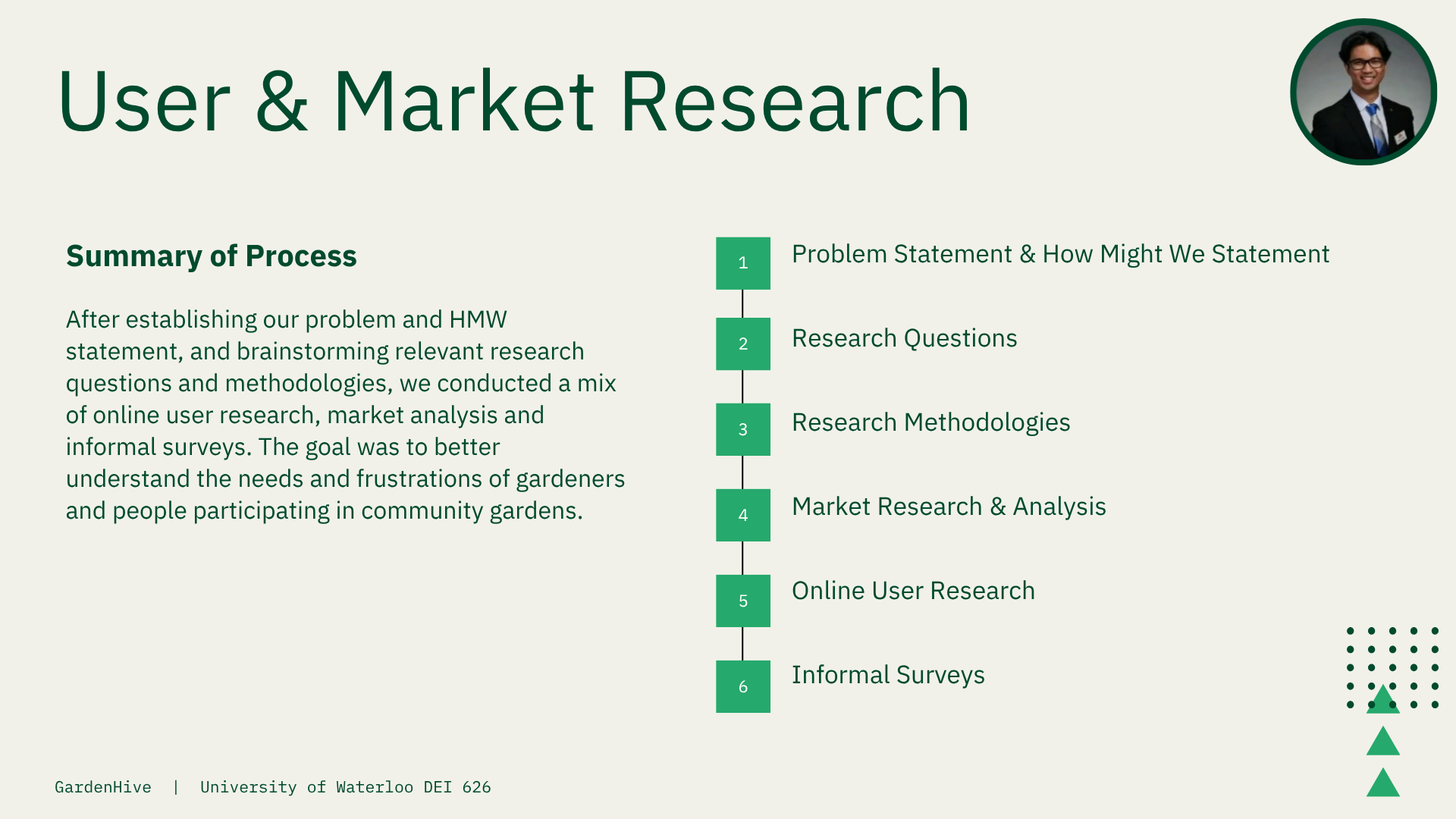
After aligning on our problem and “How Might We” statement, we conducted early-stage research including market analysis, online user research, and informal surveys to uncover pain points and motivations for community gardeners.
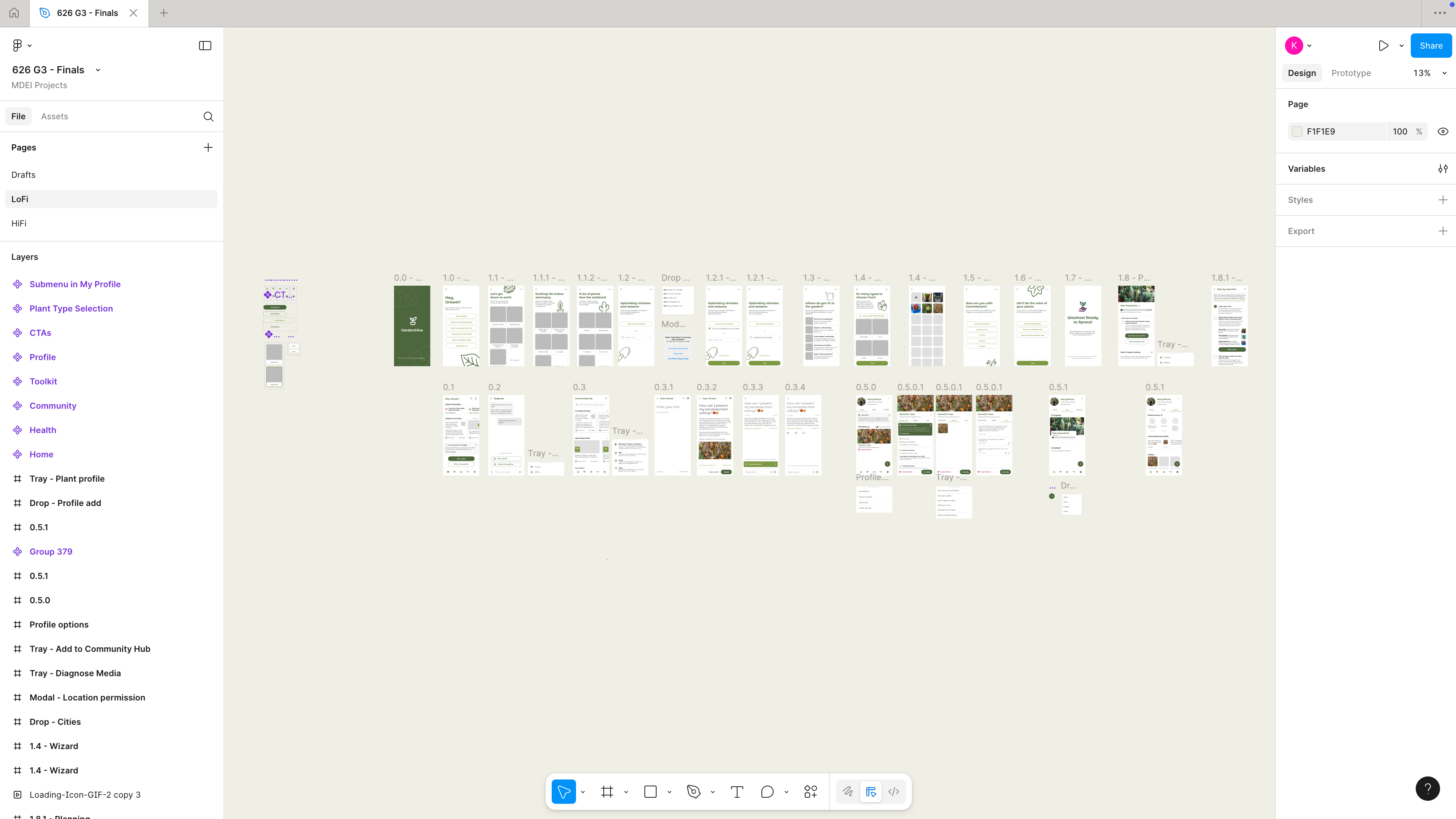
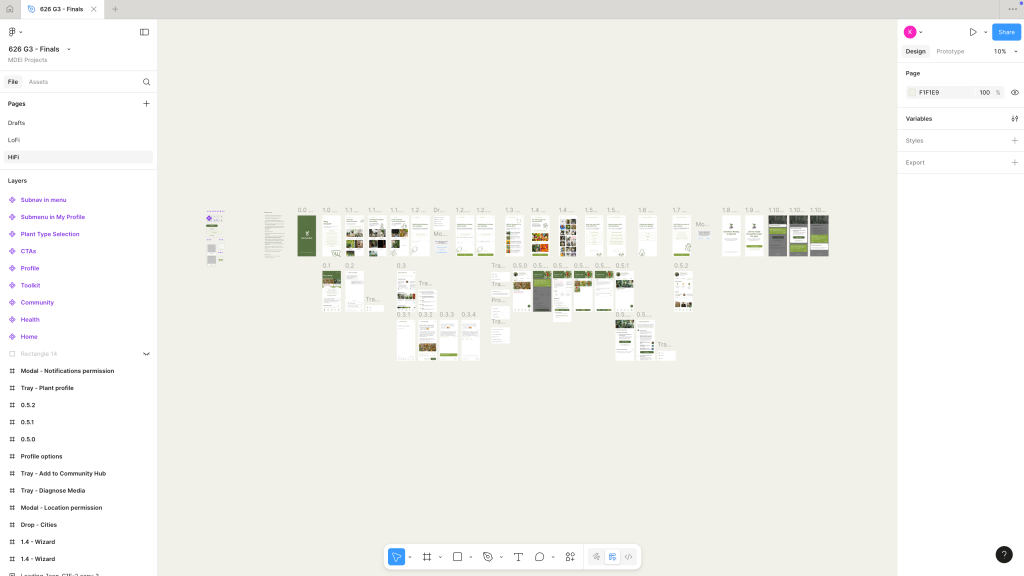
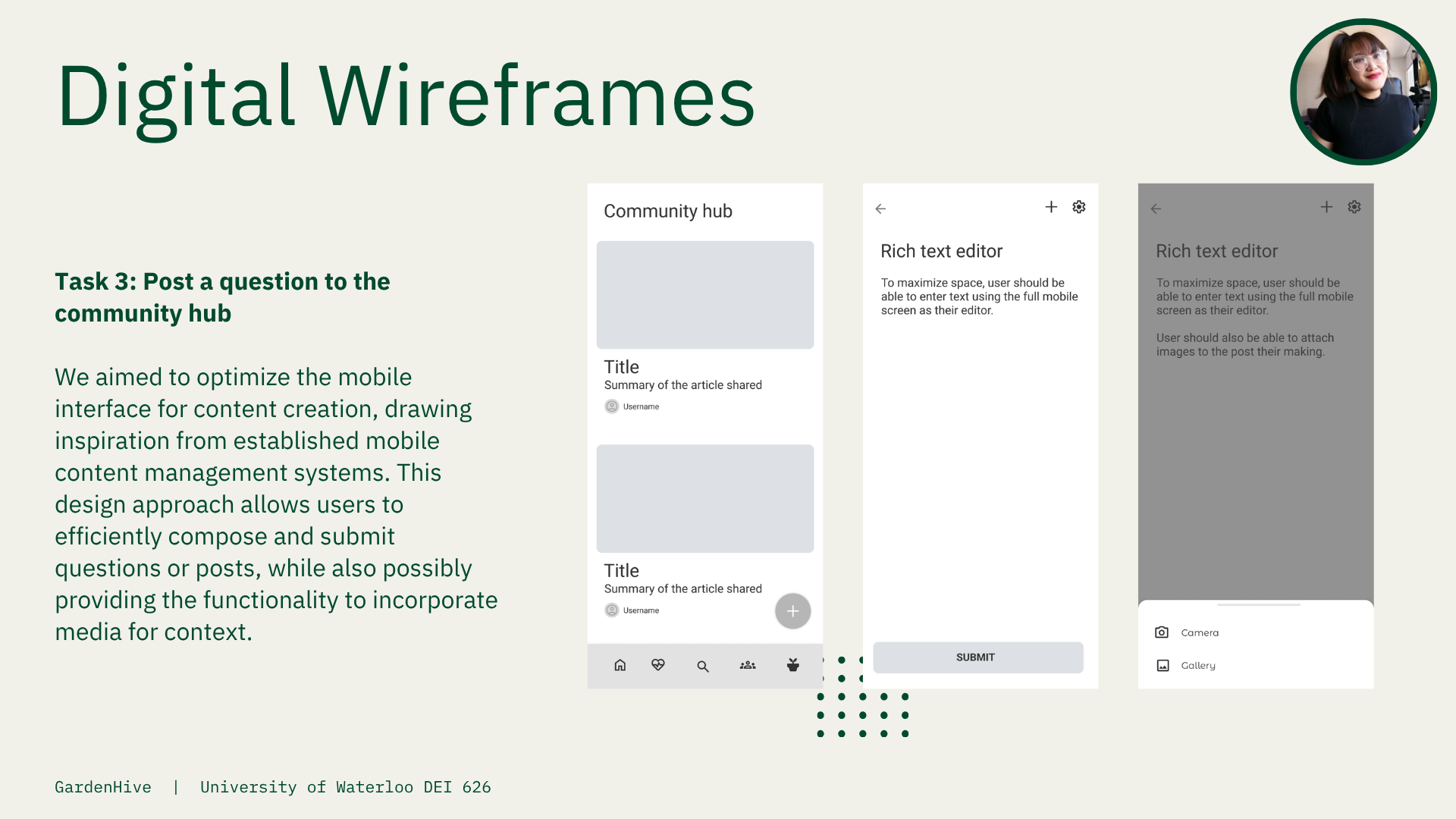
As the lead on user flows, feature scoping, and prototyping, I translated research insights into tangible interaction models. Our iterative process began with low-fidelity sketches and evolved into high-fidelity screens, continuously shaped by user testing.
Key improvements from early versions included:
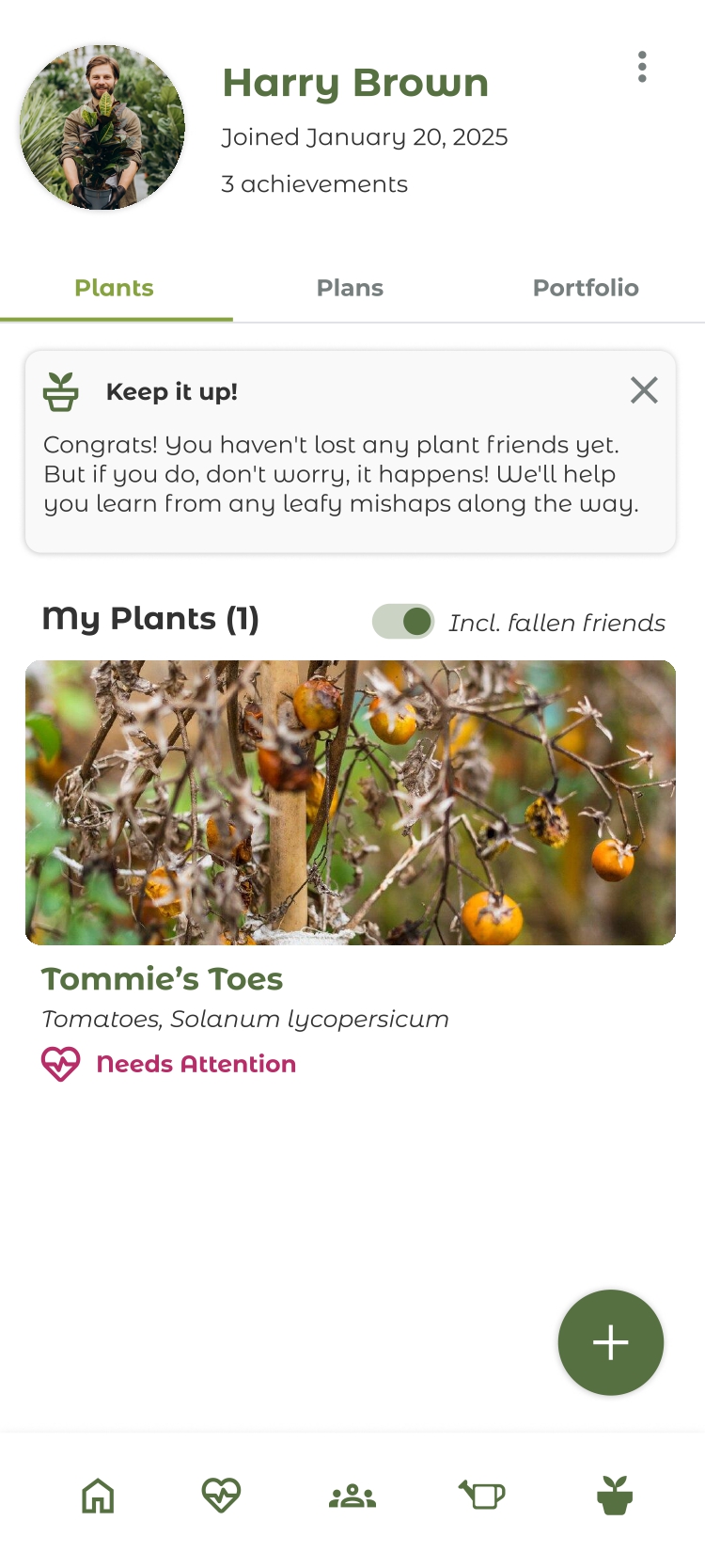
- A redesigned home screen hierarchy, prioritizing plant and garden access at the top
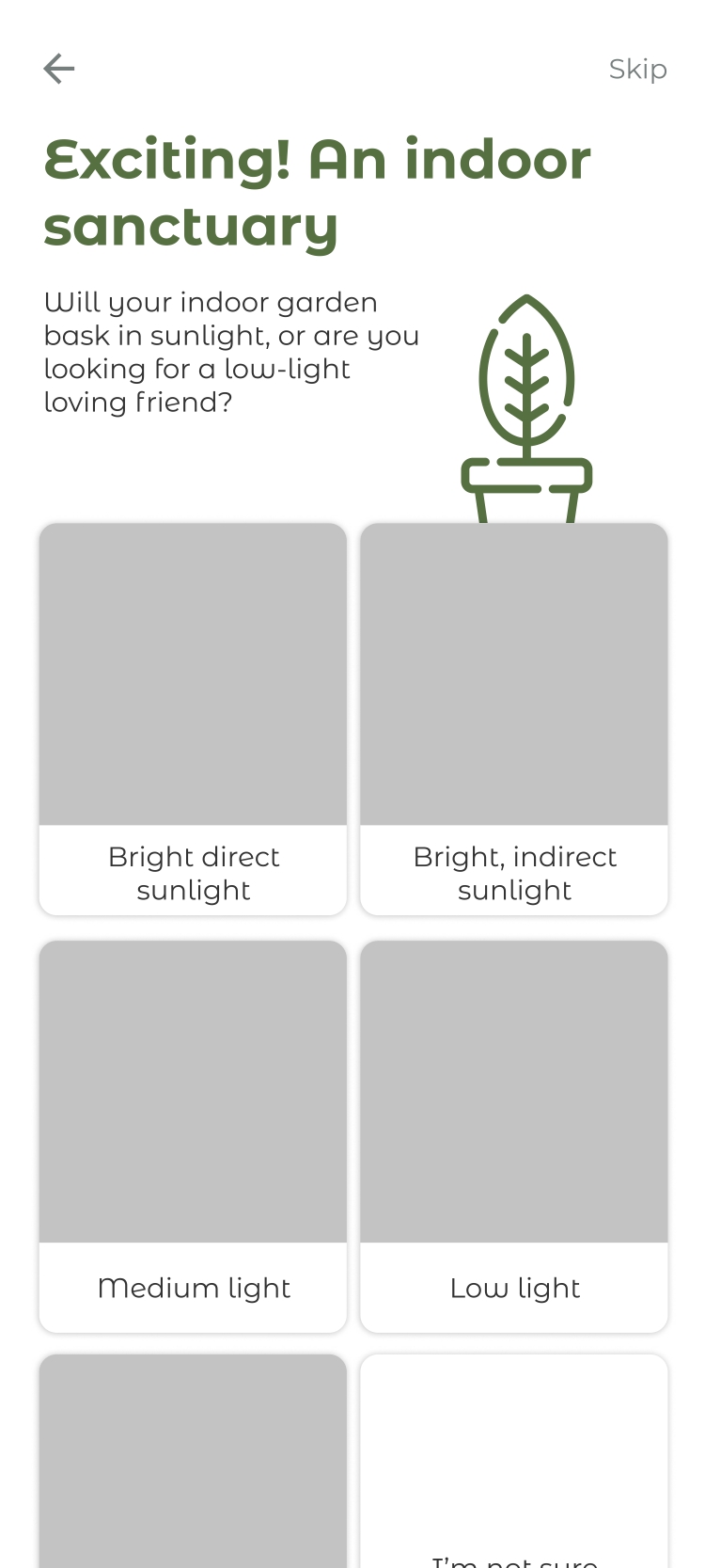
- Tutorials and confirmation screens added for better onboarding and task feedback
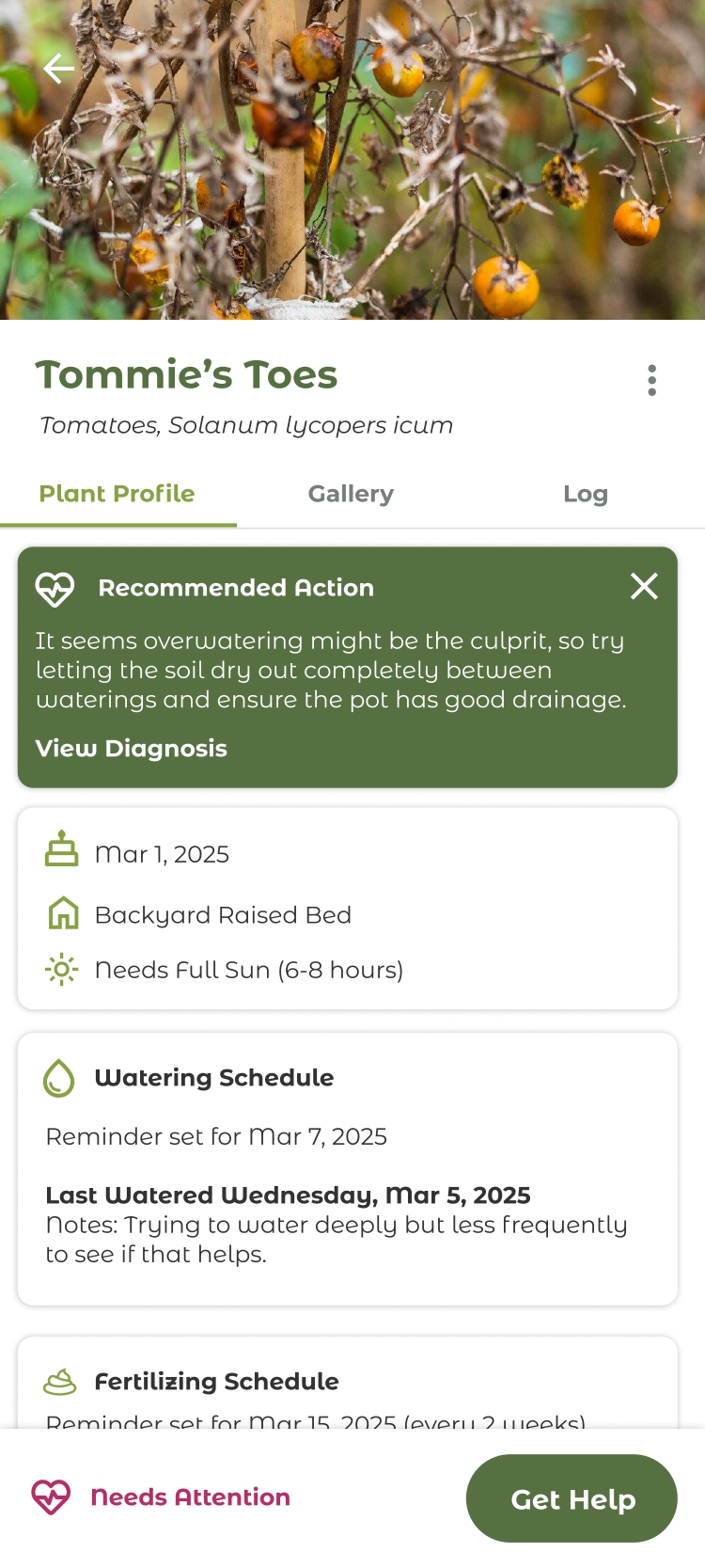
- An improved Plant Profile flow, giving users quick access to their plant data in a more minimal interface
We used Figma to build the prototype and collaborated closely as a team to synthesize findings and make design decisions.
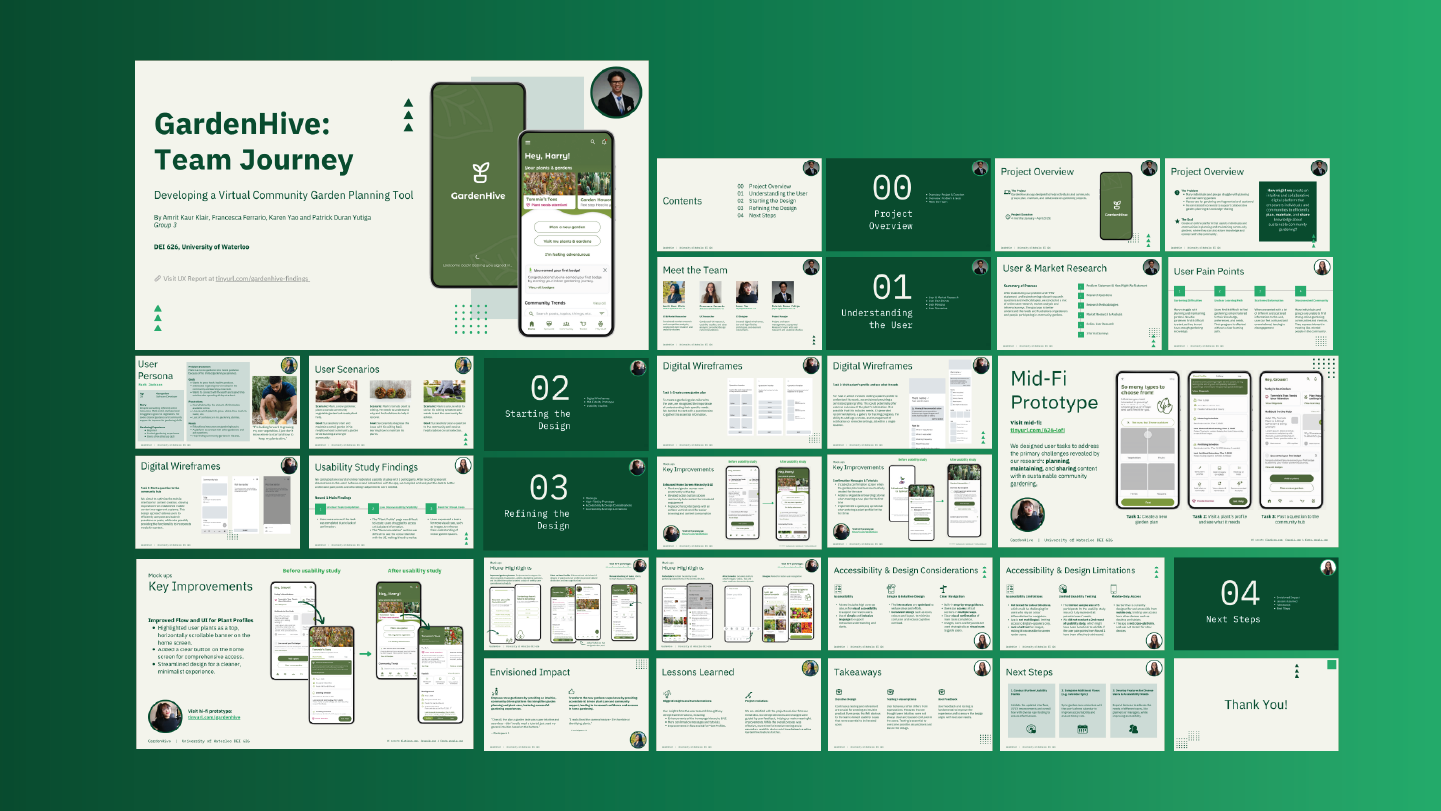
The project culminated in a final presentation of our concept and user testing outcomes to faculty and peers, where we shared our process, design rationale, and key learnings.
Project Links:
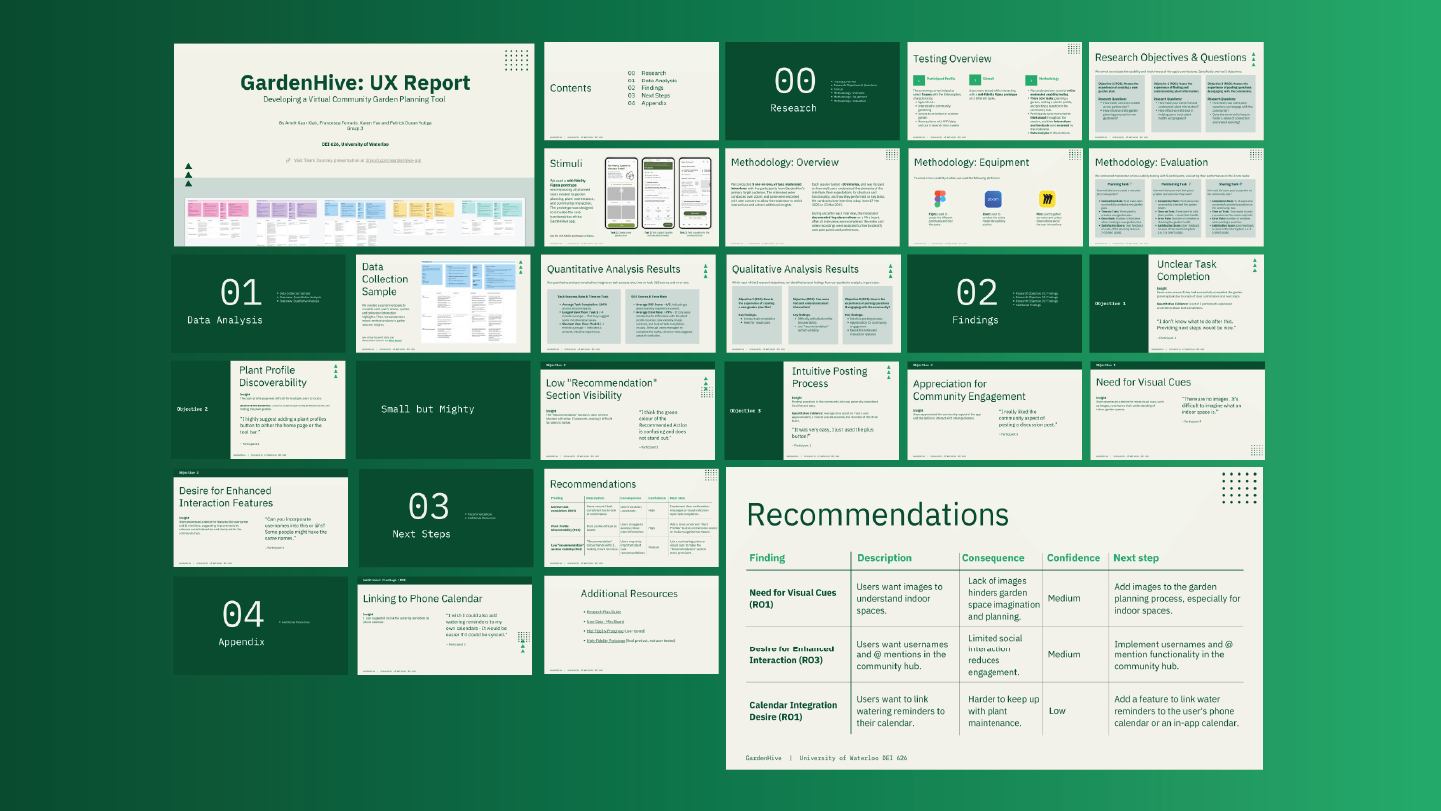
Results
The final GardenHive prototype aimed to empower new gardeners through an intuitive, community-driven platform. User testing validated many of our changes:
- “Overall, the plan-a-garden task was super intuitive and seamless—I didn’t really need a tutorial.” – Participant 1
- “I really liked the camera feature—I’m horrible at identifying plants.” – Participant 5
User feedback directly informed improvements in layout, flow, and onboarding. The project underscored a key lesson: features that seem obvious to designers aren’t always intuitive to users. Testing helped us catch those gaps and iterate effectively.
We’re proud of how far the concept evolved—from scattered insights to a cohesive, user-validated product vision. If given more time, we would have conducted another usability round to continue refining the experience. But even within the project’s timeline, GardenHive grew into a thoughtful and promising solution for collaborative gardening.
Gallery









 KSY, MDEI | YOUR FULL-STACK PRODUCT SPECIALIST