

2020 – Today / Web, Mobile, MS Teams, MS SharePoint, Email comms
Role:
Lead Product Designer
December 2020 – Today
- Lead the product, UX, UI, and communication design of all channels (Mobile, Web, MS Teams, MS SharePoint and Email Comms)
- Define and document feature roadmaps, criteria, requirements and release notes
- Conduct user, competitive and market research
- Develop wireframes, mock-ups and prototypes
- Work with engineers, users, stakeholders, clients, leaders
Tools:
Axure / Adobe CC / MS Visio & Lucid /
MS DevOps / MS 365
Overview
Sparrow Connected is an omnichannel internal communications platform. I’ve been part of the team since late 2020, and have since led the company’s product design. I work closely with Product, Customer Success, and Tech teams in solving problems and enhancing features.
Sparrow Connected was developed by DevFacto Technologies (2007) and spun off into its own company in May 2021. The demand grew rapidly, especially during the COVID-19 pandemic in 2020. We quickly realized that we had to adapt and keep up with the demand and the growing market, both product and brand wise.
Our product aims to make life easier for communication professionals, to engage their audience with features that keep bringing them back, and to support it all with excellent analytics.
Visit Marketing Work at Sparrow Connected to view my role with the marketing and sales teams.
Fun fact: I also produce and edit these videos.
The Work
We stepped out of the “project” and into a “product” mindset. This change in approach allowed us to improve, develop and grow our product into an essential platform for internal communication professionals. We looked for problems, competitors, other platforms, user behavior, and solutions. I lead all UI and UX designs for all our channels e.g. Web, MS SharePoint, MS Teams, and Mobile apps.
Here are some design samples I’ve produced for Sparrow:
Problem or Use Case
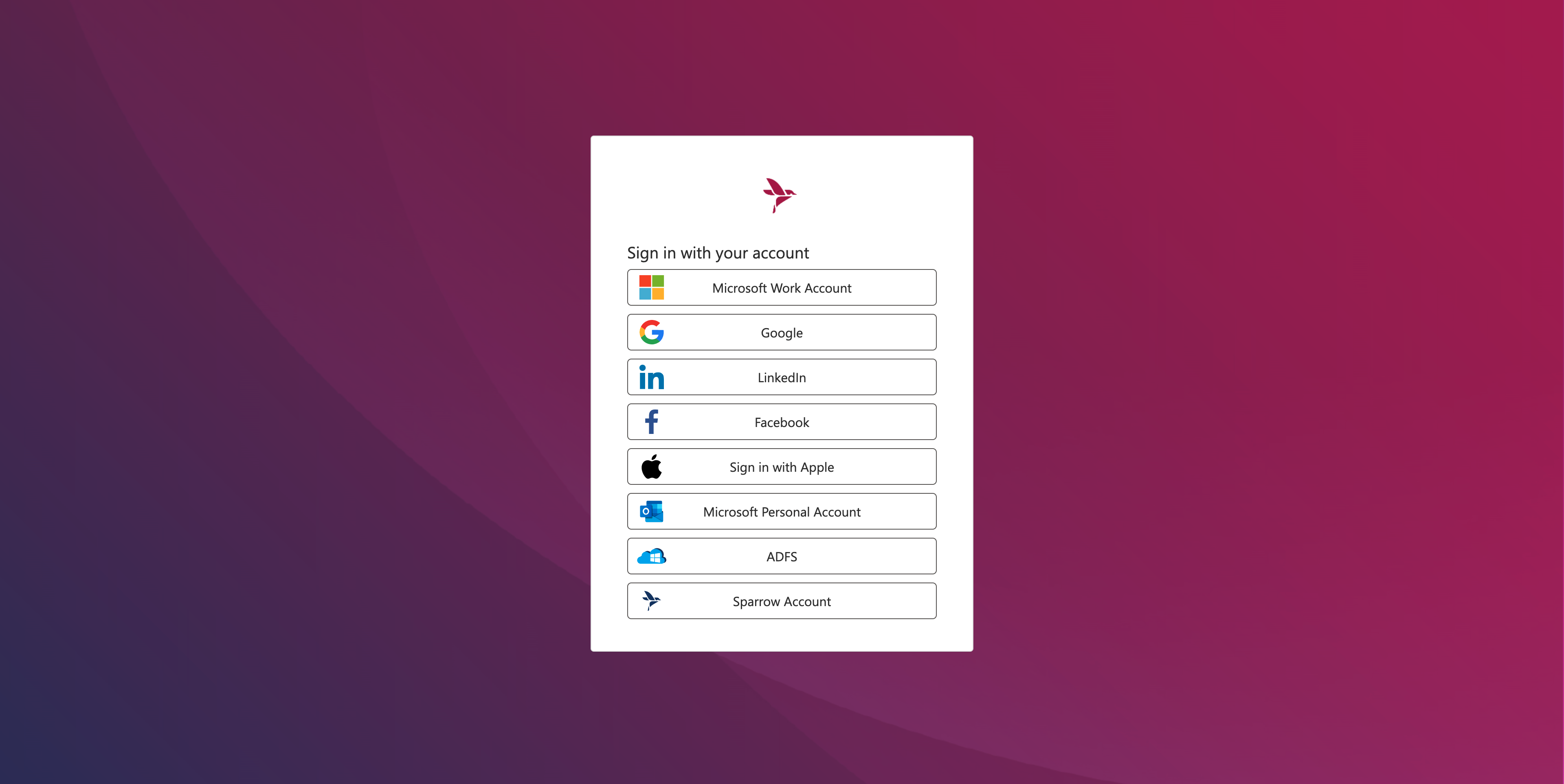
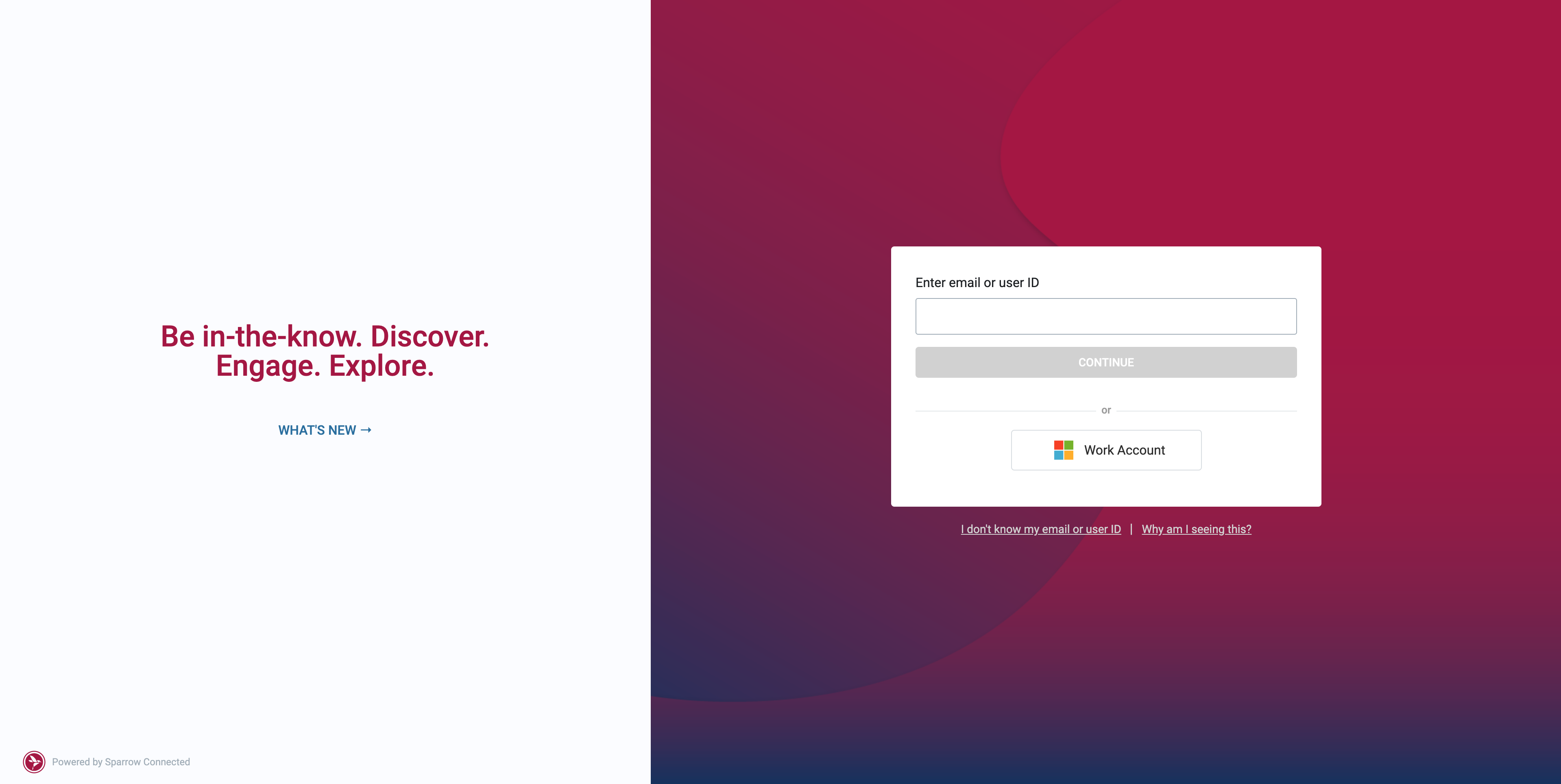
As a user, it’s a tedious task to even have to remember the account type I have. I don’t know which button to select.
Solution
I pitched the use of email addresses. In today’s day and age, almost everyone has an email address, and popular third-party login providers e.g. Google or Facebook require an email address. Email addresses served as their unique identifiers and we’re now able to point users directly to their account providers.
Problem or Use Case
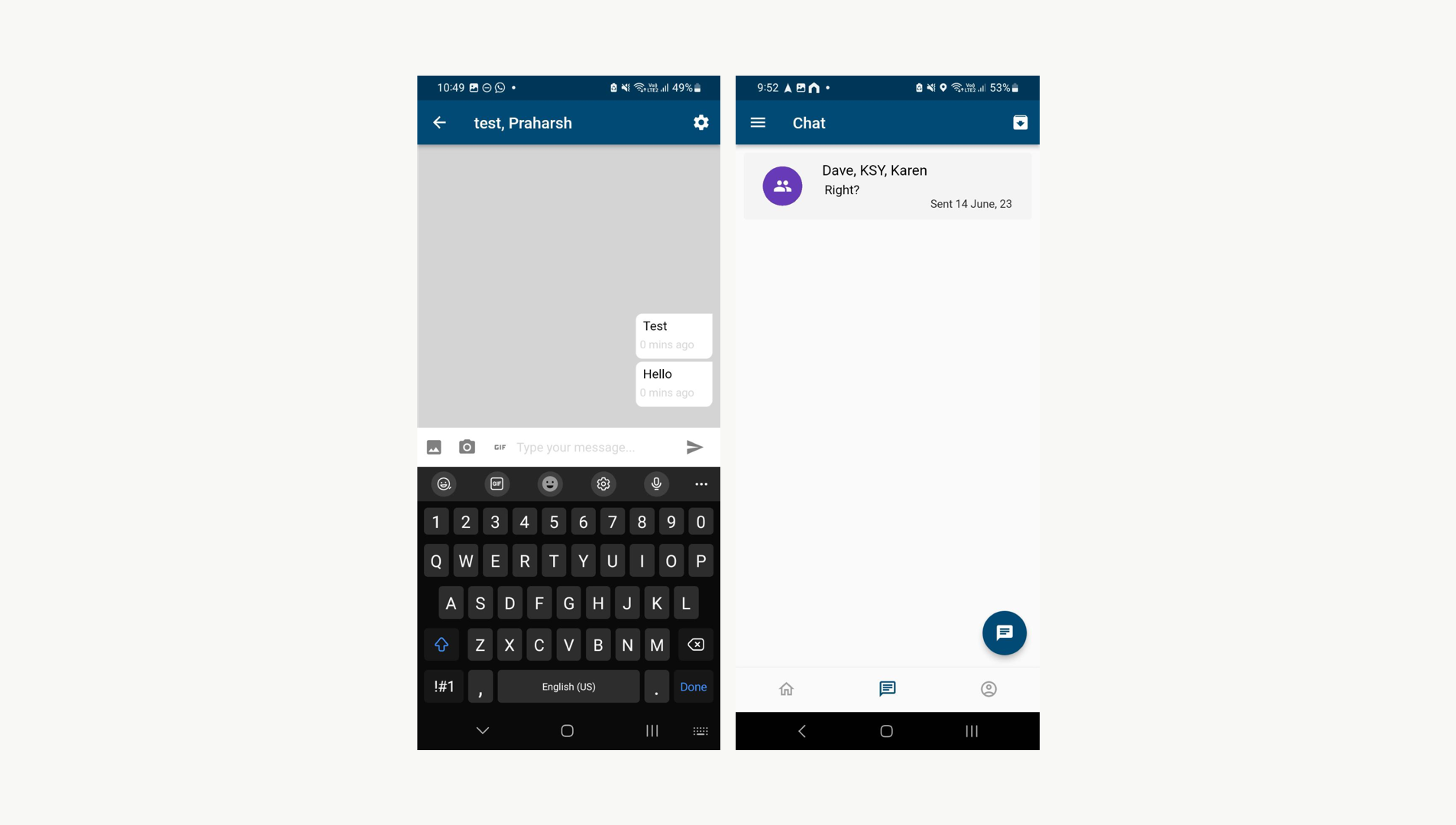
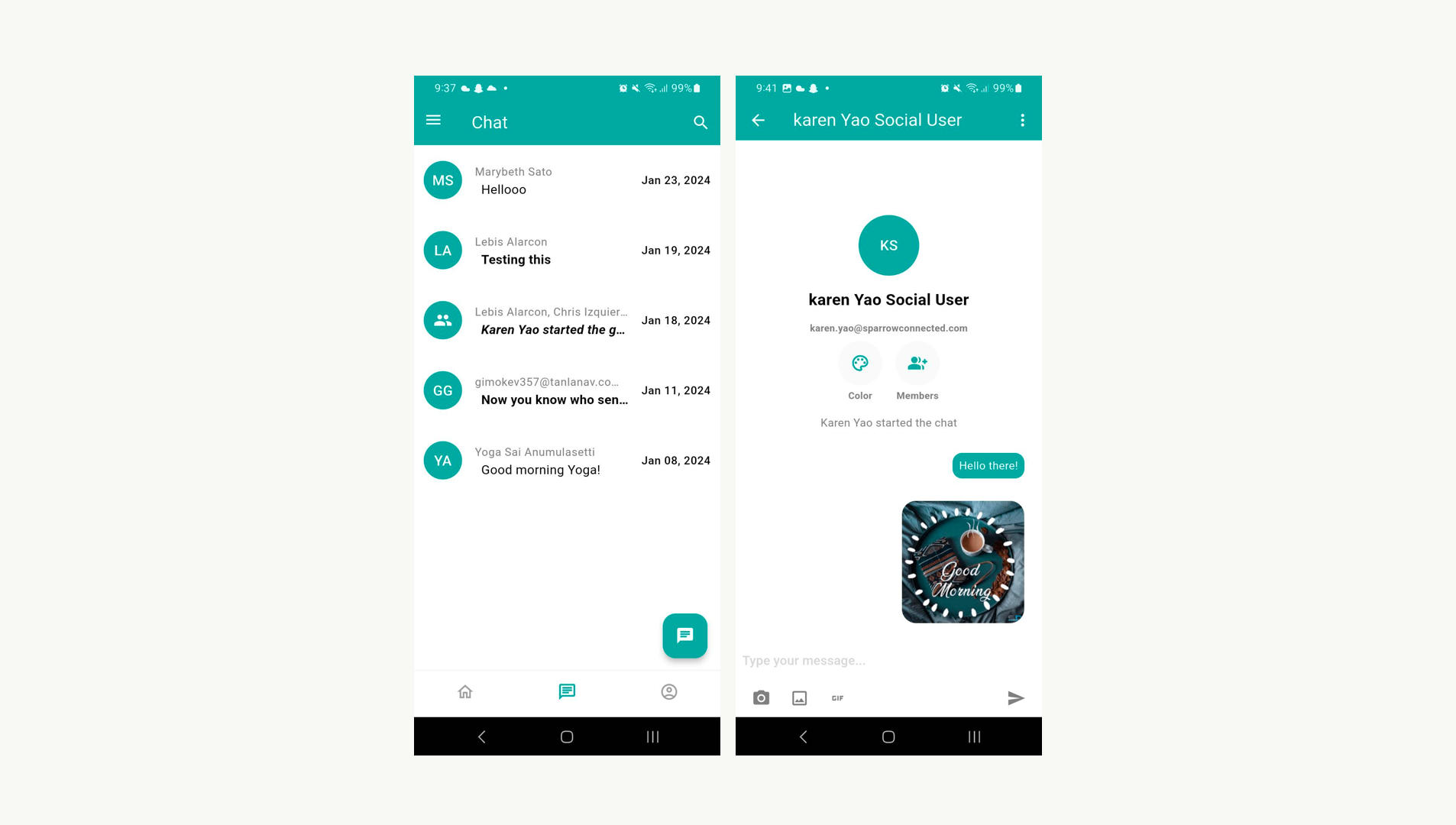
As an employee, I need a way to clean and effective way to communicate with my colleagues, even those without an office account / those who only use a social account like Google or Facebook.
Solution
We improved the experience of our chat feature on Mobile, utilizing the real estate, modernizing the design, and improving overall messaging performance.
Problem or Use Case
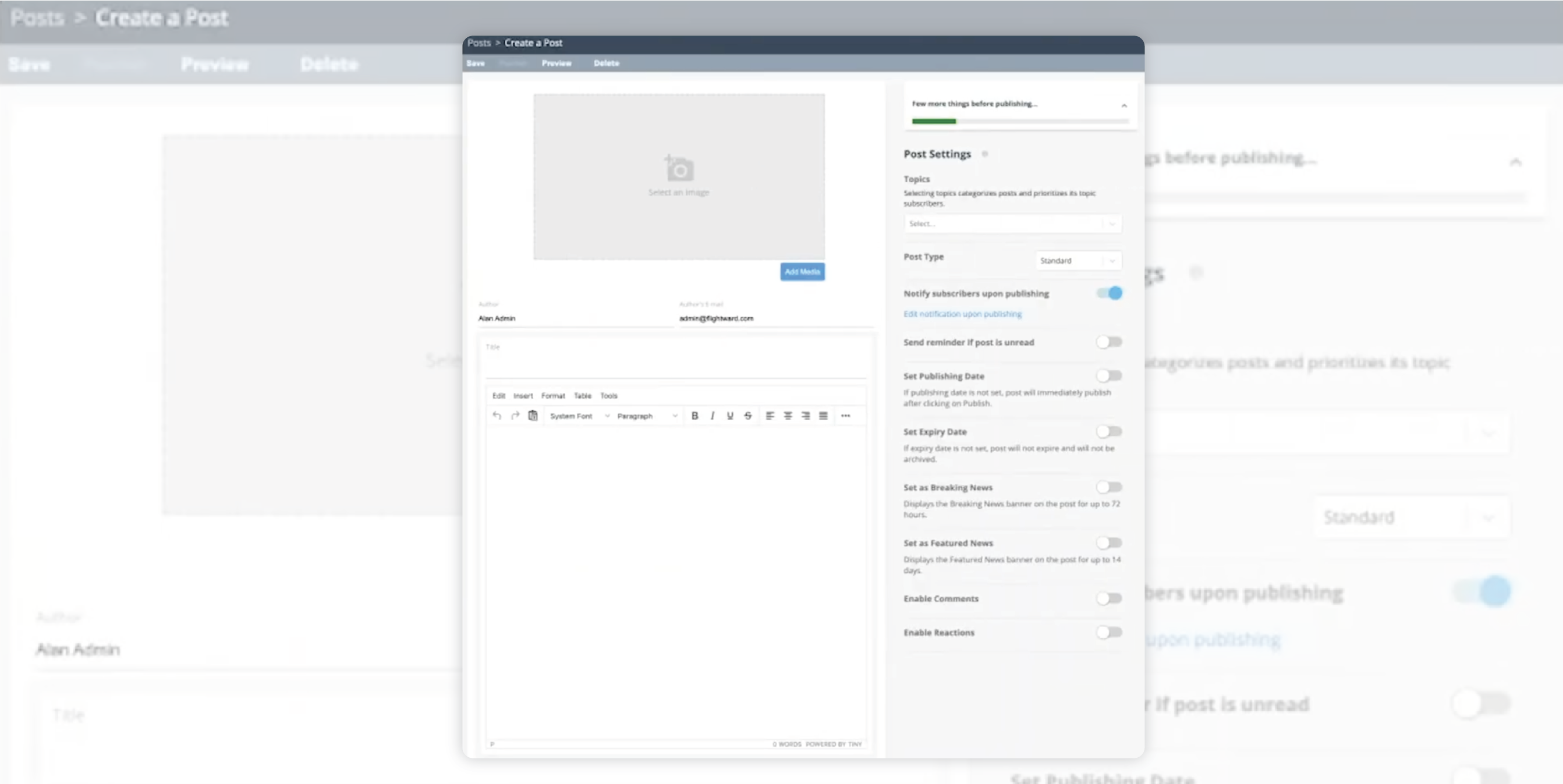
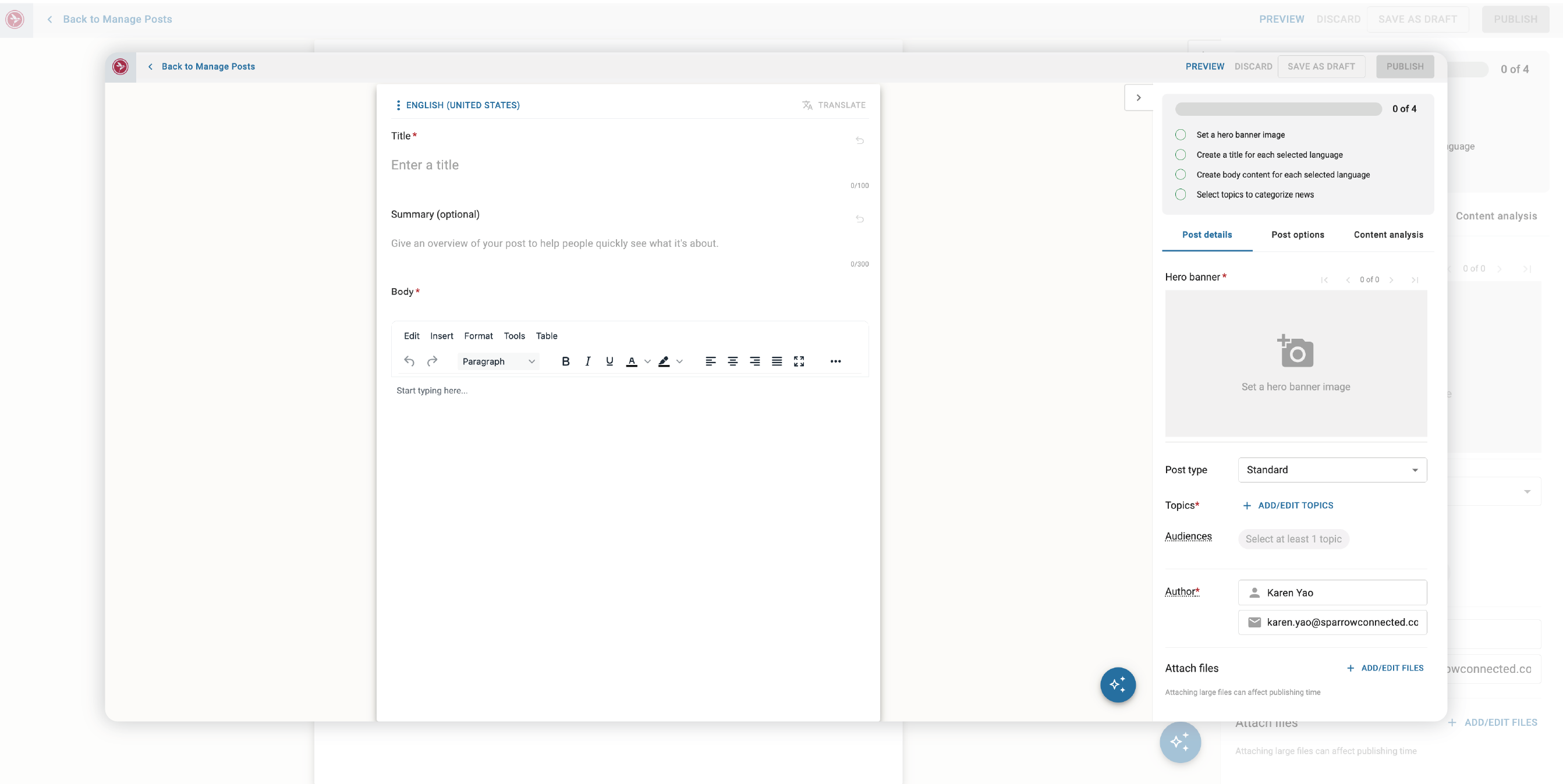
As an internal communications officer, I want a user-friendly editor that will allow me to work without excessive knowledge of the tool and that will make my content creation process more efficient.
Solution
We improved the experience by utilizing real-estate and minimizing accessory features, giving more space and prominence to important tools when creating and publishing content.
Problem or Use Case
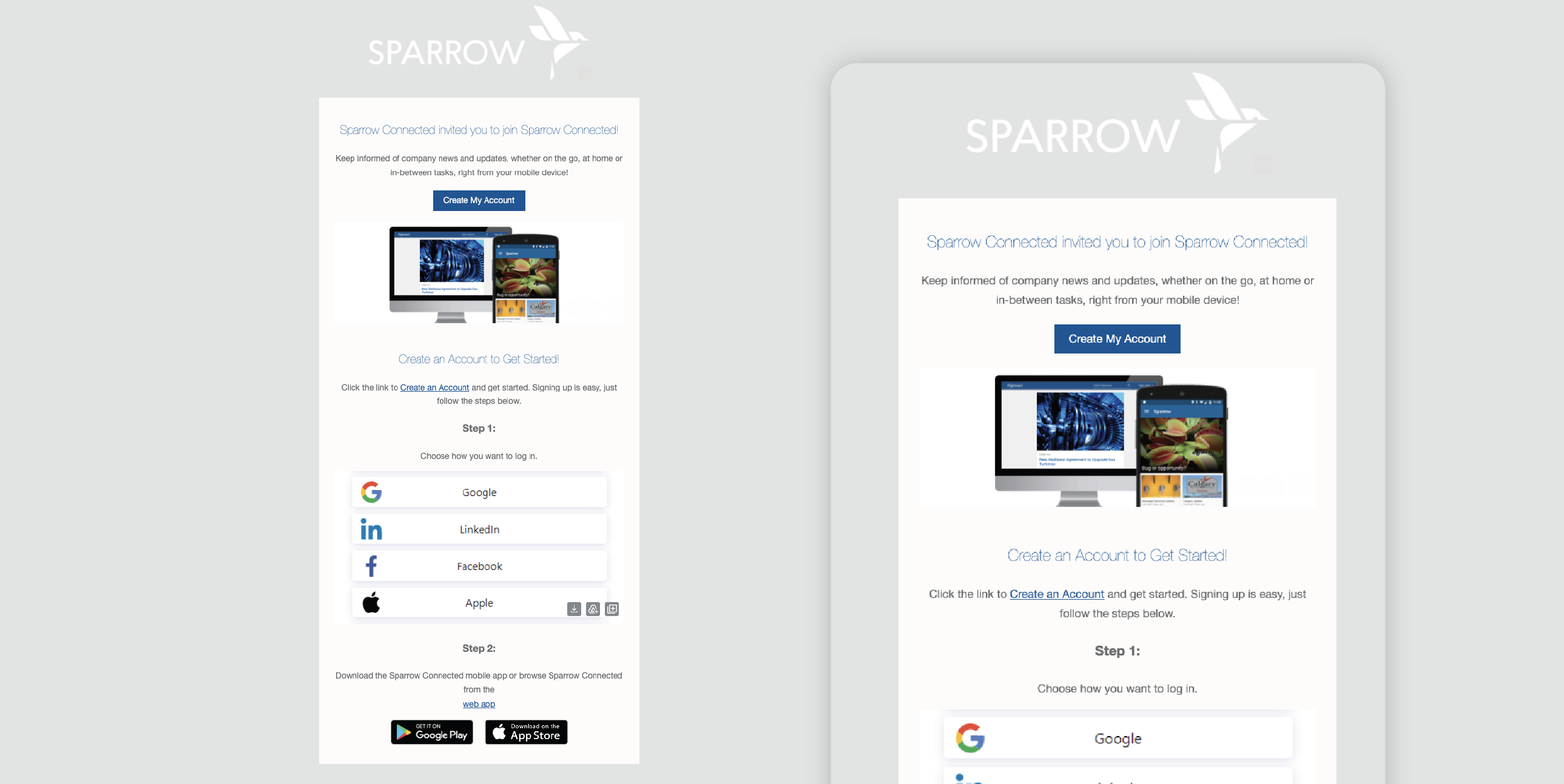
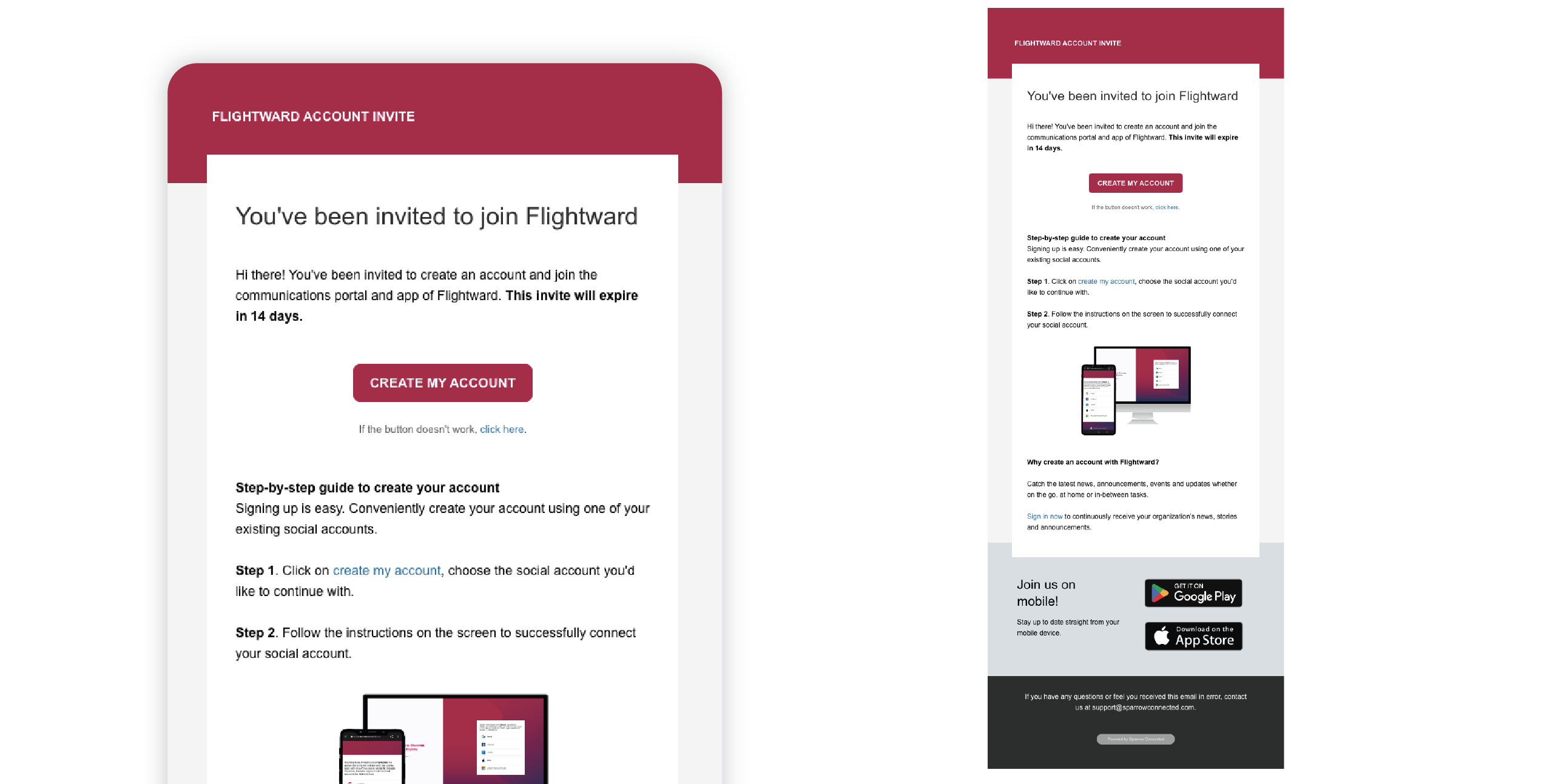
As a new employee to this app, I want clear direction on how I can activate or create my account; and I have trust issues, I want to see that the email is from our organization and specifies our organization’s details.
Solution
We designed our emails, including our account creation emails and email notifications, to be more accessible and readable, and brand-able by our customers.
Problem or Use Case
As an employer, I need a way to reinforce multiple messages, announcements, news and stories to their workforce.
Solution
We designed and released our Newsletter functionality, launched in January 2022 (see video for preview), allowing customers to compile the news they wanted to reinforce with just a few clicks.
Results
In 2020 and 2021, the team received funding from Resolute Ventures, a national venture capital firm based in San Francisco, California; received 1.4 million dollars in federal funding from PrairiesCan, one of 11 recipients selected from hundreds of Edmonton and area companies; and established an Advisory Board.
I continue to work with our amazing team to further improve our company and platform. I do what I can to build an even stronger understanding of our platform, how it’s built and our key audiences; and how to innovate, improve and grow even more.
Stay tuned for more product updates at support.sparrowconnected.com/en/product-updates.
Gallery
 KSY, MDEI | YOUR FULL-STACK PRODUCT SPECIALIST